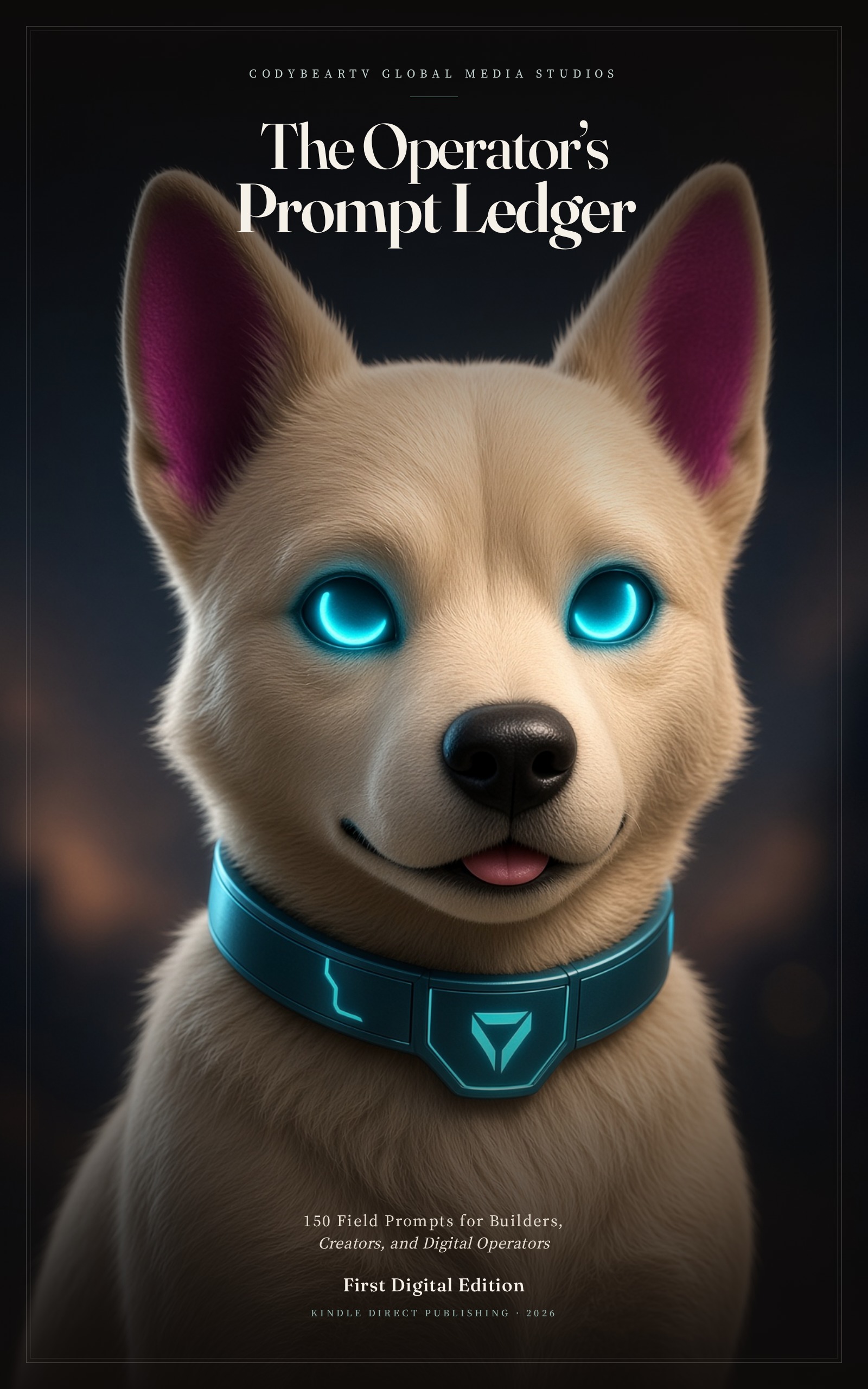
KDP cover · 1600 × 2560 px · RGB JPEG
Kindle Direct Publishing
Instant publish pack
Everything KDP asks for a Kindle eBook: cover at Amazon’s ideal size, a reflowable EPUB manuscript with a clickable table of contents, listing copy, seven keywords, and browse categories. No ISBN needed for the eBook — KDP assigns an ASIN.
Listing copy
- Title
- The Operator's Prompt Ledger
- Subtitle
- 150 Field Prompts for Builders, Creators, and Digital Operators
- Author
- CodyBearTV Global Media Studios
- Language
- English
- Cover
- JPEG, RGB, 1600 × 2560 px (Amazon ideal 1.6:1), quality 92+
Seven keywords
- AI prompts ChatGPT Claude Grok
- prompt engineering handbook
- digital operator playbook
- AI for entrepreneurs
- content creator prompt book
- business automation prompts
- agent systems field manual
Categories & BISAC
- Kindle Store > Computers & Technology > Computer Science > AI & Machine Learning
- Kindle Store > Business & Money > Skills > Business Writing
- Kindle Store > Education & Teaching > Studying & Workbooks
- COM004000 COMPUTERS / Intelligence (AI) & Semantics
- BUS025000 BUSINESS & ECONOMICS / Entrepreneurship
- LAN002000 LANGUAGE ARTS & DISCIPLINES / Authorship
Description
One hundred fifty prompts that behave like an operator, not a chatbot.

The Operator's Prompt Ledger is a field manual for people who actually ship: builders, studio leads, freelancers, and digital operators who are tired of clever prompts that do not survive contact with a deadline.

Each entry is a complete, copy-ready brief — role, constraints, output format, and a definition of done. Fill the brackets. Run one job. Keep what works.

Inside the ledger:
• Brief the work so agents stop guessing
• Ship software from messy notes to release notes
• Run a studio: SOPs, partners, hiring, incidents
• Write brand, media, research, and sales packets
• Design agent systems with human gates
• Teach, localize, and keep your own operating system

Written for Grok, Claude, ChatGPT, and local models. Model-agnostic. No hype stack. A book you can publish from, and a book you can work from the same afternoon you open it.

Published by CodyBearTV Global Media Studios.
Publish on KDP
- Sign in at kdp.amazon.com and choose Create > Kindle eBook.
- Language: English. Title and subtitle exactly as in this pack. Author: CodyBearTV Global Media Studios.
- Paste the book description (HTML version allowed in the description field).
- Enter the seven keywords, one per box. Pick two browse categories that match the list.
- Publishing rights: you own. Adult content: No.
- Upload the EPUB as the manuscript. Upload cover.jpg as the cover (do not let KDP Cover Creator overwrite it).
- Preview on phone and tablet in the online previewer. Check the TOC and that chapter 1 is the Start.
- KDP Select is optional (90-day exclusivity on Kindle). Choose price and territories, then Publish.
- Skip ISBN for the eBook. KDP will assign an ASIN. Add a paperback later if you want a free KDP ISBN.
Kindle eBooks do not require an ISBN. After you upload, KDP assigns an ASIN automatically. A free ISBN is only needed if you also publish a paperback.